Team leads
Turn meeting outcomes into named owners, deadlines, evidence, and reviewable follow-through.
 Actify
MEETING & DECISION OPERATING SYSTEM
Actify gives every meeting a durable record: notes, decisions, owners, deadlines, evidence, and the next action—kept together from discussion to delivery.
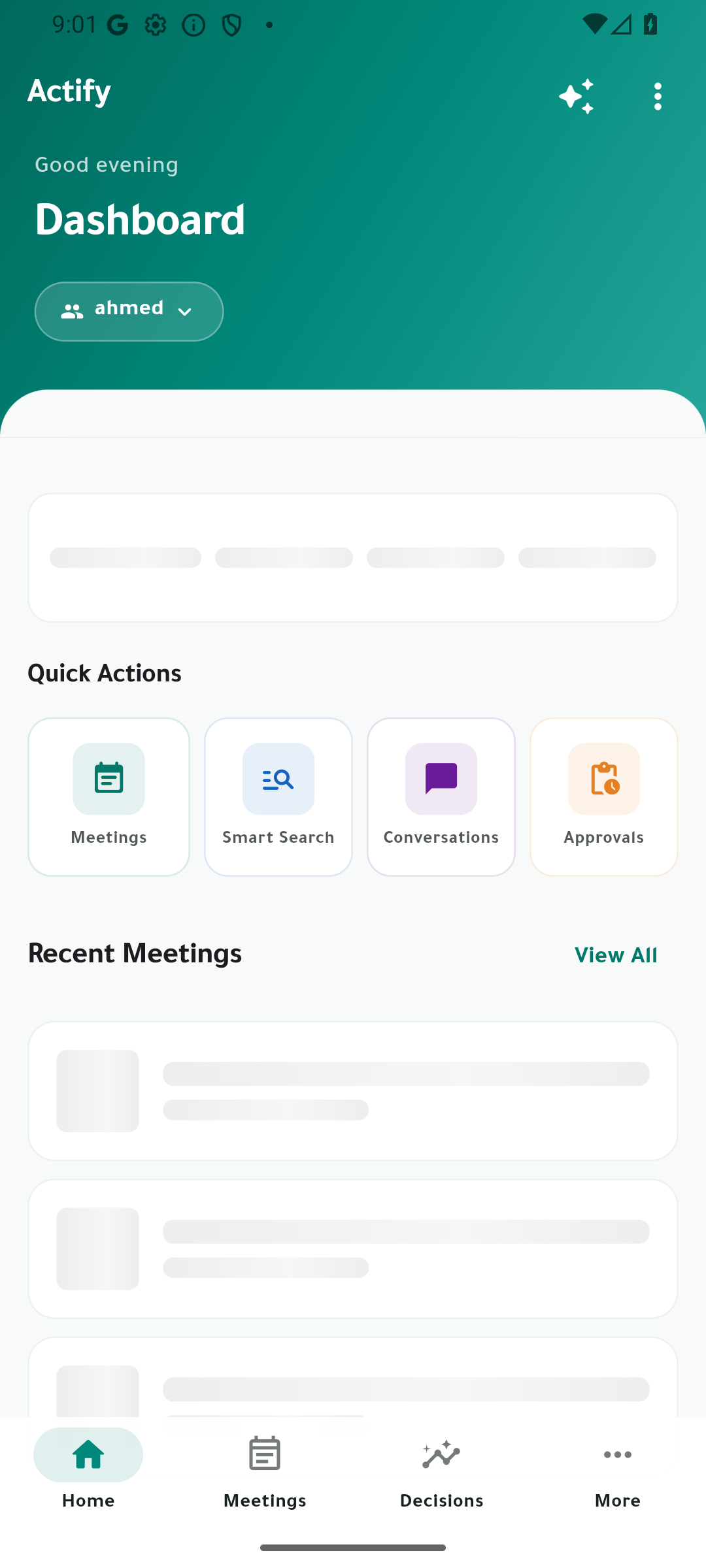
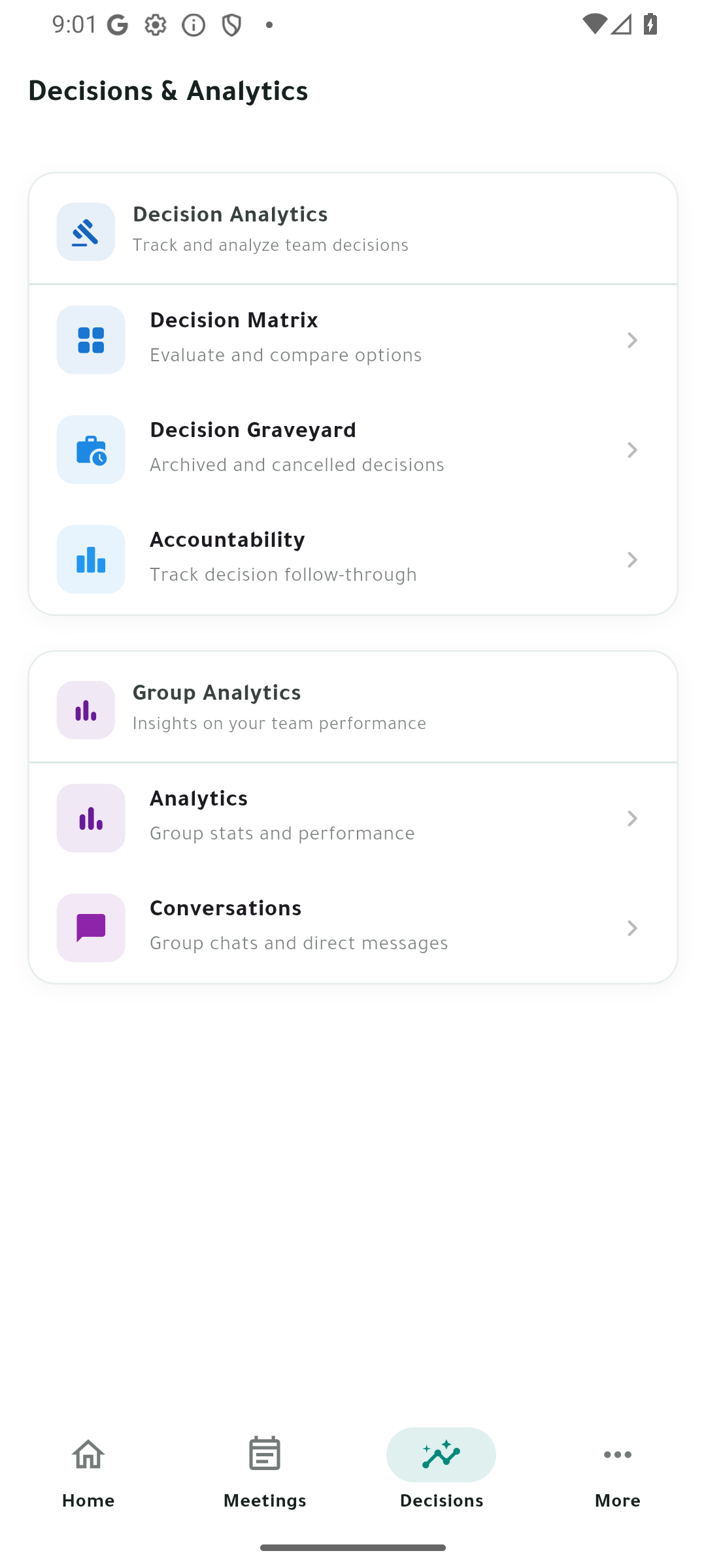
Most meeting tools stop at the transcript.
WHO IT IS FOR
Turn meeting outcomes into named owners, deadlines, evidence, and reviewable follow-through.
Keep agendas, records, decisions, files, and status changes together across recurring work.
Use concrete workflow and storage controls without treating a product showcase as provider or production proof.
THE COMPLETE WORKFLOW
Create structured meetings with notes, agendas, attendance, assigned roles, comments, files, transcripts, recordings, sentiment, and a visible timeline.
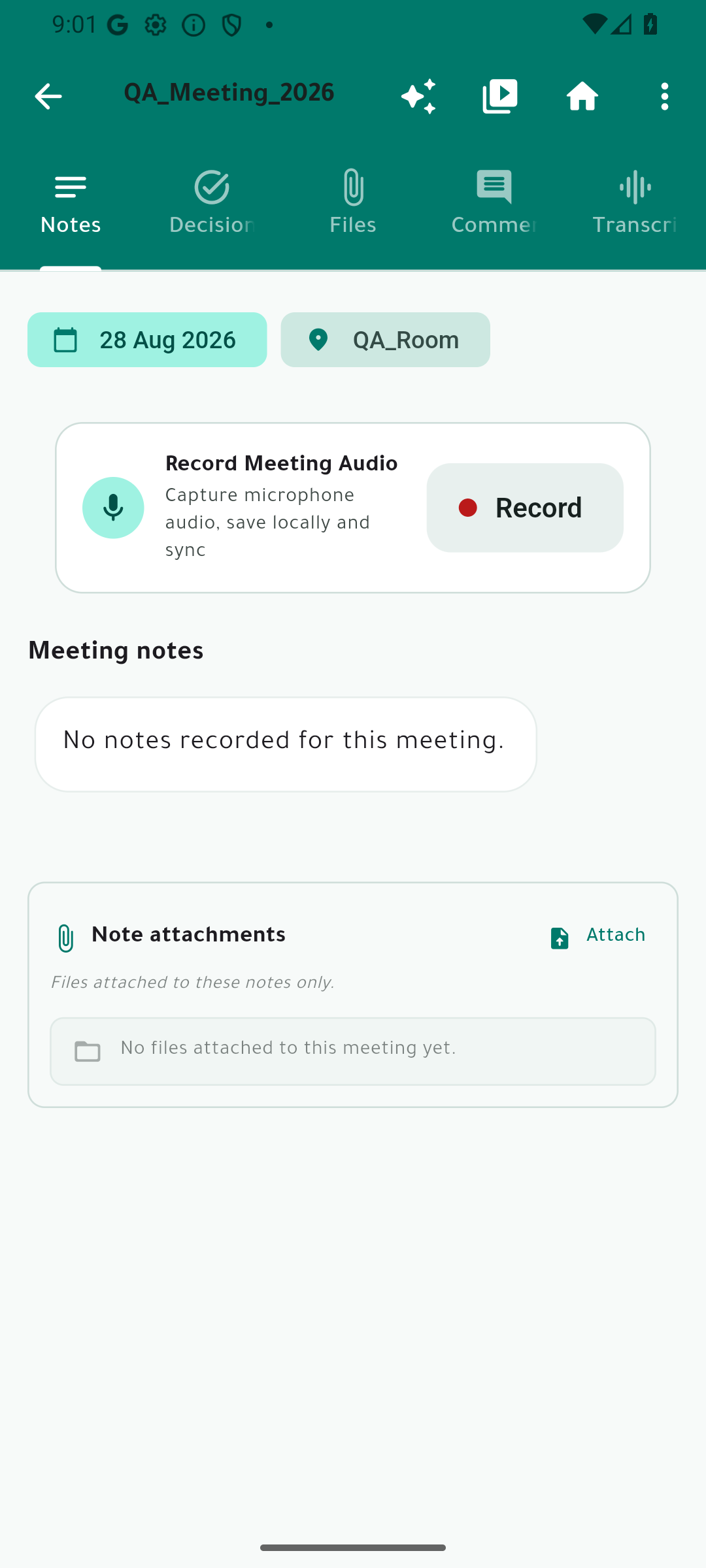
Turn outcomes into owned decisions, ordered steps, due dates, status changes, work logs, evidence, and reopening history.
Search meeting knowledge, retrieve evidence-backed answers, and find decisions, notes, and commitments without digging through separate records.
Track owners, overdue work, commitment health, decision matrices, stalled items, and the decision graveyard.
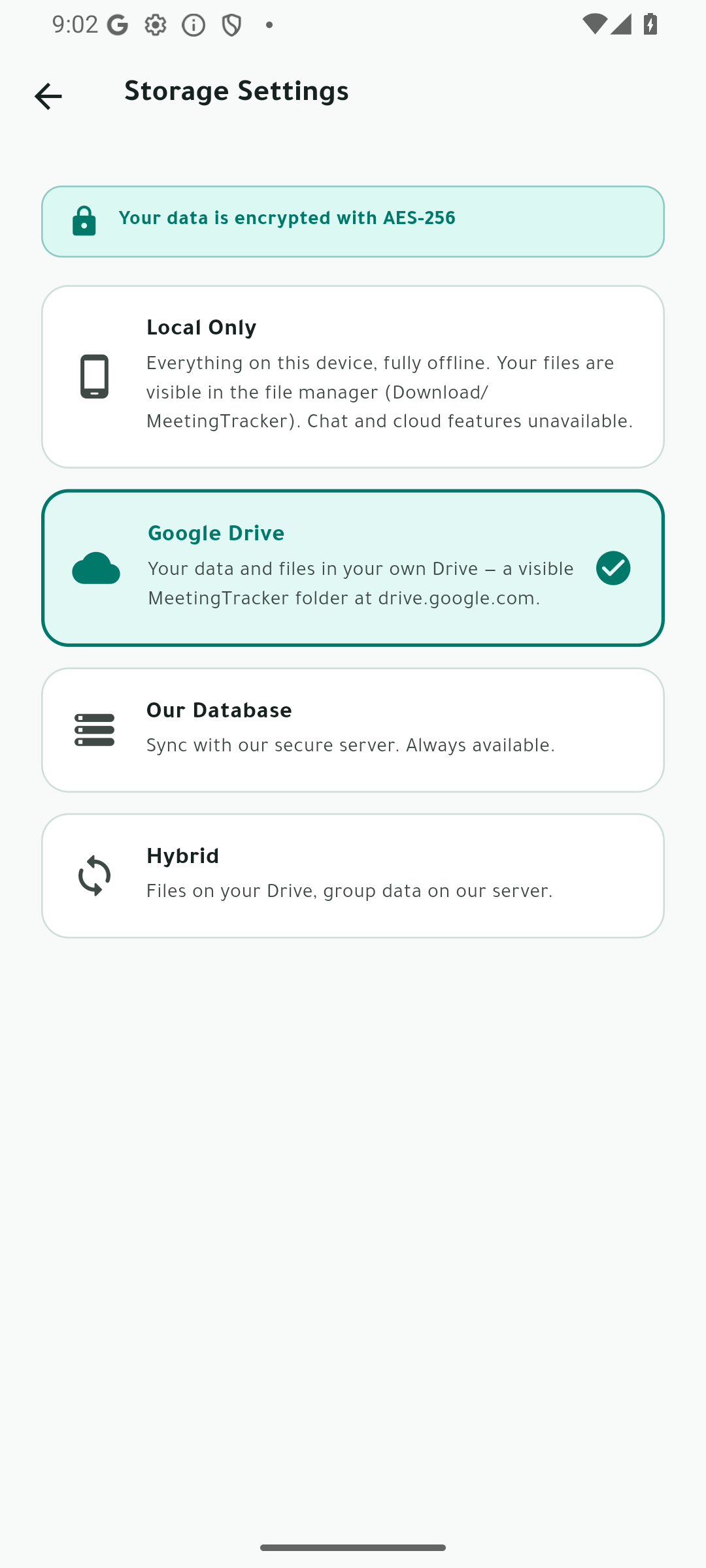
Choose local, server, Google Drive, or hybrid storage. Move by copy, keep sources intact, inspect recovery history, export your data, and control deletion.
COMMON QUESTIONS
Owners, deadlines, ordered steps, status changes, work logs, evidence, and reopening history are presented as part of the documented workflow.
The interface, workflow, screen inventory, and storage concepts are documented on this page. It does not prove a provider account, customer tenancy, or live production service.
Yes. Use the walkthrough link below to ask about the documented product workflow and the evidence available for review.
46-SECOND PRODUCT FILM
Actify carries meeting work forward: prepare the agenda, capture notes and evidence, turn outcomes into owned decisions, and track follow-through across storage modes. The showcase documents the product interface and workflow; provider and production claims remain outside this page.
THE PRODUCT, UNCROPPED
Browse 28 real product captures covering the complete principal interface. Select any screen to inspect it at full size.
FROM CONVERSATION TO ACCOUNTABILITY